
Client brands on the outside.
Vitrine infrastructure
underneath.
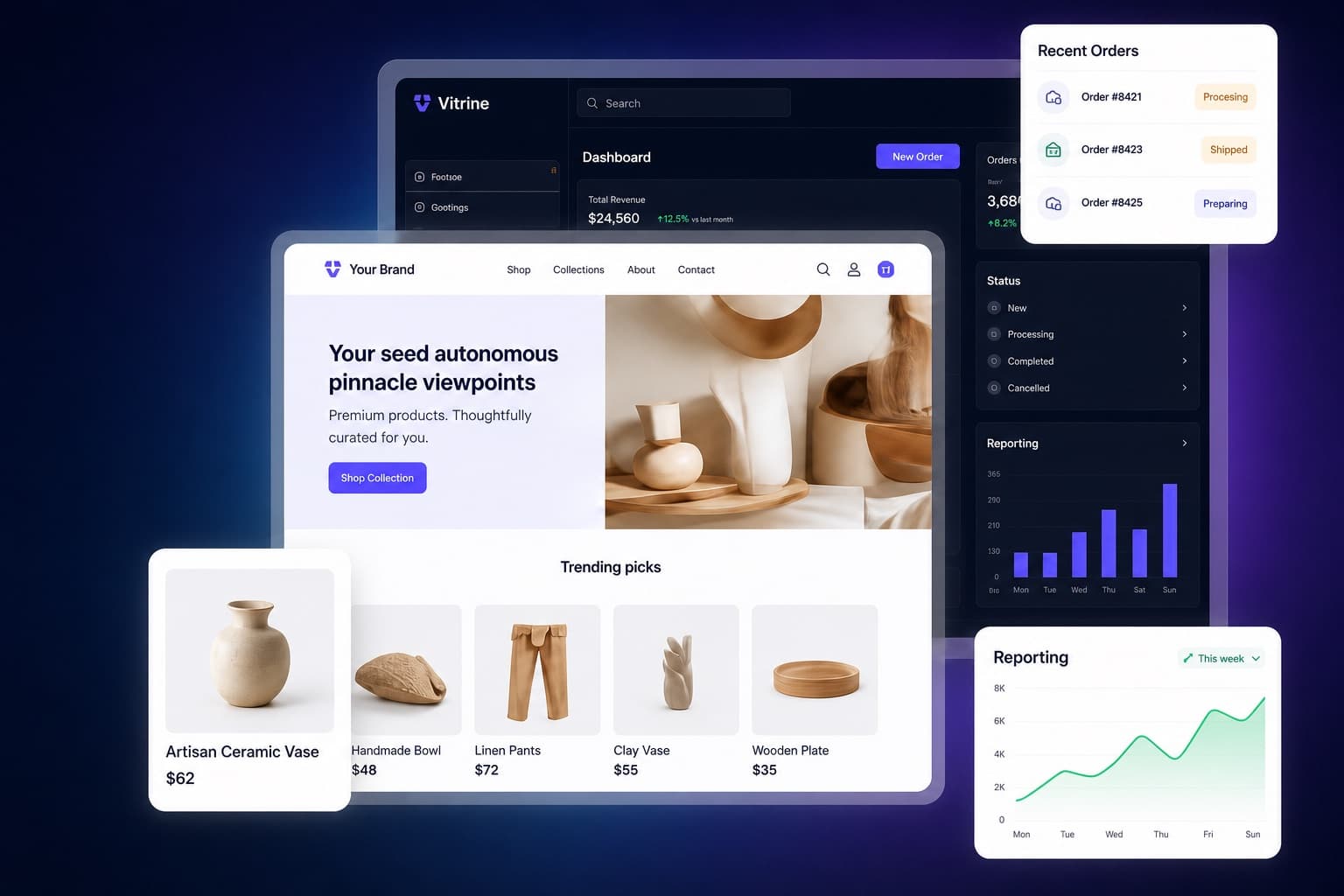
A premium white-label storefront and operations layer for modern small businesses, installed by Solvera and configured around each client’s brand, catalog, intake flow, admin workspace, and reporting foundation.
What it is
One system for the public storefront and the back office
Vitrine connects the pieces most small businesses usually assemble separately: public storefront, catalog, manual order requests, lead capture, admin follow-up, and reporting foundations.
SAMPLE STOREFRONTS
Different businesses. Same powerful system.
Each client gets a fully branded live site while the same operating system powers catalog, orders, leads, and admin follow-up underneath.

Quality finds. Local roots.
Local goods and pickup-ready requests.
Retail Seller
Product catalog, order requests, and pickup-ready details.

Move. Breathe. Bloom.
Wellness packages with intake context.
Wellness / Studio
Class packs, intake notes, and client follow-up in one flow.

Reliable service. Real results.
Quote follow-up for modern operators.
Service Business
Quote-style services, deposits when configured, and lead tracking.

Learn. Create. Launch.
Practical courses for modern creators.
Education / Creator
Digital offers, cohort packages, and next-step inquiries.

Good food. Great moments.
Menu bundles and private event intake.
Food / Catering
Menu bundles, catering requests, and private event intake.

Clarity today. Growth tomorrow.
Strategy and operational guidance.
Consultant
Discovery packages, lead intake, and proposal follow-up.
WHAT YOU GET
Your client’s brand on the outside. Vitrine underneath.
Brand, navigation, catalog language, and request flow can change for each launch while the operating foundation stays consistent.
How it Works
Pick the launch shape, configure the public experience, and run the follow-up workflow from the same foundation.
- 1
Pick business model
Choose the right launch shape for products, services, studio packages, creator offers, or mixed catalogs.
- 2
Configure brand and catalog
Apply the client brand, content, navigation, storefront items, and launch-ready settings.
- 3
Launch storefront
Publish the public storefront with clear CTAs, catalog paths, contact intake, and manual checkout.
- 4
Manage follow-up
Use admin workflows for order requests, leads, catalog changes, customers, and operational notes.
- 5
Improve with reporting
Use tracking and reporting foundations to refine offers, messaging, and future integrations.
FAQ
Scope, services, checkout, branding, and what happens after launch.